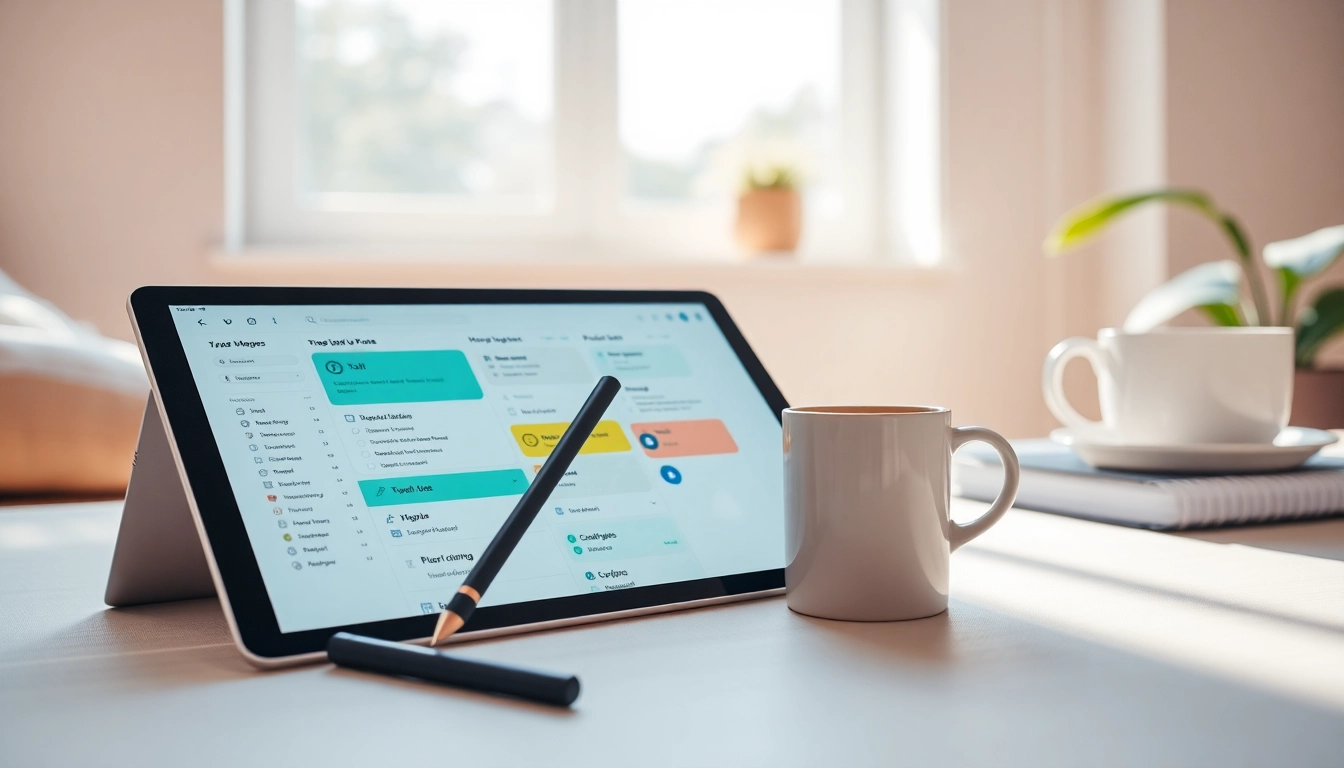
Understanding Digital Planners
What Are Digital Planners?
In the fast-paced digital era, digital planners have become essential tools for organization and time management. Unlike traditional paper planners, digital planners are typically interactive PDF documents or compatible with various note-taking applications. They let users customize their scheduling and planning experience while incorporating multimedia elements such as links, images, and annotations. This flexibility enhances user engagement and serves a broader audience, including students, professionals, and anyone aiming to streamline their daily tasks.
Benefits of Using Digital Planners
The transition from paper to digital has many benefits that cater to the modern user's lifestyle:
- Accessibility: Digital planners can be accessed on multiple devices, ensuring that you never lose your planning tool.
- Customization: They offer a broad range of templates and layouts, allowing users to tailor their experience according to personal preferences.
- Environmentally Friendly: By reducing paper usage, digital planners contribute to a sustainable lifestyle.
- Enhanced Productivity: Features such as reminders, interactive templates, and goal-tracking functionalities make it easier to stay on top of tasks.
- Integration: Many digital planners sync seamlessly with other productivity tools, enhancing overall workflow management.
Types of Digital Planners Available
Digital planners come in various formats catering to different needs:
- Template-Based Planners: These offer pre-designed layouts for daily, weekly, and monthly planning.
- Specialized Planners: Catered for specific needs like goal setting, meal planning, or wellness tracking.
- Customizable Planners: Allow users to manipulate the layouts and features according to their usage requirements.
- App-Based Planners: Integrated within popular productivity applications that provide added functionalities such as calendar integration and task reminders.
Choosing the Right Digital Planner
Assessing Your Planning Needs
Before diving into the world of digital planners, assess your needs:
- Purpose: Identifying whether you need a planner for academic, personal, or professional purposes can guide your choice.
- Usage: Consider how frequently you plan to use it and for what length of time—daily, weekly, or monthly.
- Device Compatibility: Ensure that the planner you choose is compatible with devices you regularly use, whether it's a tablet, smartphone, or computer.
Key Features to Look For
As you explore your options, prioritize the following features:
- Ease of Use: The planner should be user-friendly with intuitive navigation and layout.
- Customization Options: Look for planners that allow personal tweaks to fit unique styles.
- Interactivity: Factors like hyperlinks and checkboxes can enhance usability.
- Support and Updates: Check if the planner offers customer support and regular updates to stay current with trends.
Comparing Different Options
Take the time to compare various digital planners available. Consider aspects like user reviews, engagement metrics, and trial options that allow hands-on experience before making any financial commitments.
Effective Planning Techniques
Time Management Strategies with Digital Planners
Transitioning to a digital planner shouldn't just be about looking good; it's about enhancing productivity. Here are some effective time management strategies:
- Prioritize Tasks: Use the planner to categorize tasks by urgency and importance. This helps in focusing on what truly matters.
- Set Time Blocks: Allocate specific time slots for different activities. This technique encourages deep work and minimizes distractions.
- Use Calendar Functions: Integrate your planner with calendars to streamline reminders and deadlines for projects and meetings.
Integrating Goals into Your Planning
Goals can significantly influence your productivity. Use your planner to:
- Create SMART Goals: Ensure your goals are Specific, Measurable, Achievable, Relevant, and Time-bound.
- Track Progress: Utilize features that allow you to mark milestones or use visual progress indicators.
- Reflect and Adjust: Include reflection sessions in your schedule to assess what works and what needs adjustments.
Using Templates for Maximum Efficiency
Maximizing efficiency in planning can be achieved through the use of effective templates:
- Daily Review: Incorporate daily checklists to keep track of immediate tasks.
- Weekly Overview: Utilize weekly planners for a broad view of your commitments and responsibilities.
- Monthly Reflection: Adopt templates that facilitate monthly reviews of goals, tasks completed, and future adjustments.
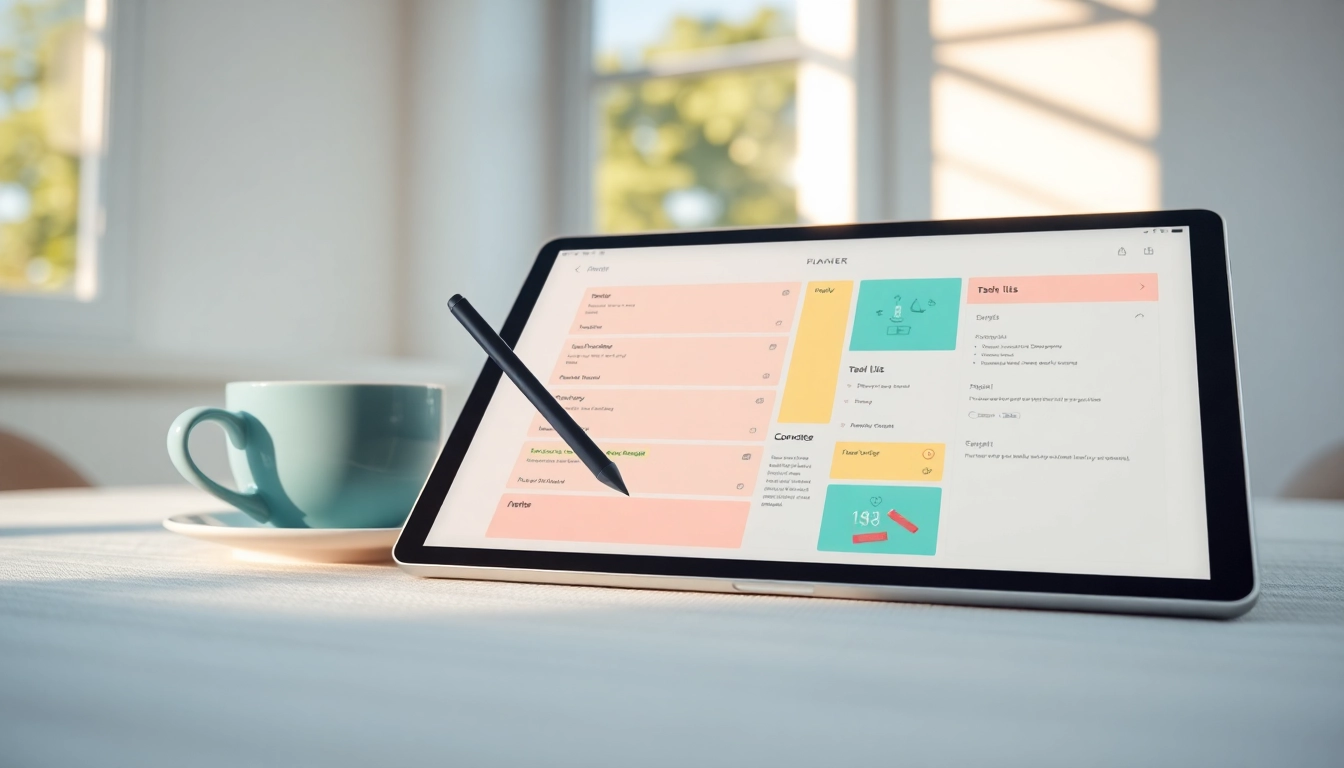
Common Challenges with Digital Planners
Overcoming Tech Barriers
Although beneficial, some users encounter tech barriers when using digital planners:
- Learning Curve: Invest time in tutorials or help guides to become proficient in your chosen digital planner.
- Device Dependence: Ensure you have access to your planner across different devices by choosing compatible options.
Staying Consistent with Your Planner
Creating a habit around digital planning can be challenging. Here are solutions:
- Regular Check-Ins: Set reminders for daily or weekly reviews.
- Accountability Partners: Share your planning progress with friends or colleagues for added motivation.
Dealing with Distractions and Procrastination
Digital distractions can derail the best-planned schedules. Combat this by:
- Using Do Not Disturb Modes: Enable focused work sessions where notifications are silenced.
- Break Down Tasks: Massive tasks can lead to procrastination; breaking them down into manageable chunks can prevent this.
Maximizing Benefits of Digital Planners
Tips for Enhanced Productivity
To truly elevate your planning game, consider these tips:
- Participate in Digital Plan Challenges: Engaging in community challenges can keep your planning fresh and exciting.
- Collaborative Planning: Use features that allow joint planning efforts for projects or shared tasks.
Measuring Your Planning Success
To understand the effectiveness of your planning, develop methods to measure success:
- Set KPIs: Key Performance Indicators should relate to completed tasks and goal achievement.
- Reflect on Productivity: Regularly assess what strategies worked and refine those that didn't.
Future Trends in Digital Planning
As technology evolves, so will digital planners. Anticipate trends that include:
- AI Integrations: Incorporating artificial intelligence for predictive task management and personalized planning.
- Enhanced Collaboration Tools: Features enabling real-time collaboration and sharing of plans among users.
- Augmented Reality Features: Future digital planners may include AR elements for immersive planning experiences.
Frequently Asked Questions
1. Can I use digital planners on multiple devices?
Yes, most digital planners are designed to be compatible across various devices, allowing seamless access and editing.
2. Are templates included in digital planners?
Many digital planners provide a variety of templates for different planning needs, including daily, weekly, and monthly layouts.
3. How do digital planners help with focus?
Digital planners can reduce distractions through scheduled tasks and focus sessions, keeping users organized and on track.
4. Can I customize a digital planner?
Most digital planners offer customization options, enabling users to tailor layouts and templates to their specific preferences.
5. What's the cost of digital planners?
Prices for digital planners vary widely, ranging from free options to premium planners that offer advanced features and customization.