Understanding TradingView: A Comprehensive Overview
In the rapidly evolving world of trading, having a robust platform can make all the difference between success and failure. TradingView stands out as a powerful tool that not only provides advanced charting capabilities but also integrates social networking features for traders and investors. Whether you're tracking stocks, forex, cryptocurrencies, or derivatives, TradingView offers an all-in-one solution that simplifies the trading process. From its user-friendly interface to its extensive features, this platform is designed to accommodate both novice traders and seasoned professionals.
As one navigates through the complexities of financial markets, TradingView facilitates a seamless experience by consolidating various tools into a single workspace. This not only enhances productivity but also empowers users to make informed decisions with confidence.
What is TradingView and Its Core Features?
TradingView is a cloud-based platform that allows users to analyze financial markets through interactive charts, technical indicators, and real-time data. Its core features include:
- Advanced Charting Tools: Users can create customized charts with a plethora of indicators, overlays, and drawing tools.
- Social Networking: Traders can share their analyses, strategies, and insights with a community of like-minded individuals.
- Market Coverage: The platform supports a wide range of asset classes, including stocks, forex, cryptocurrencies, and futures, catering to various trading styles.
- Alerts and Notifications: Users can set price alerts, indicator alerts, and even receive notifications via mobile or email.
How to Navigate the TradingView Interface Efficiently
To maximize the benefits of TradingView, understanding its interface is crucial. The dashboard is intuitively designed, making it easy to switch between various tools. Key components include:
- Chart Area: Central to the platform, this is where users can view and manipulate charts.
- Toolbar: Contains drawing tools and indicators that enhance analysis capabilities.
- Alerts Panel: Here, users can manage alerts and notifications easily.
Comparative Analysis: TradingView vs. Competitors
When compared to other trading platforms, TradingView excels in its user interface and community engagement. Platforms like MetaTrader and ThinkOrSwim offer robust trading tools, yet lack the social aspects that TradingView provides. Additionally, TradingView's ability to integrate multiple asset classes within a singular interface makes it a versatile choice for traders looking to diversify their portfolios.
Setting Up Your Trading Environment with TradingView
Optimal Hardware and Software Configurations
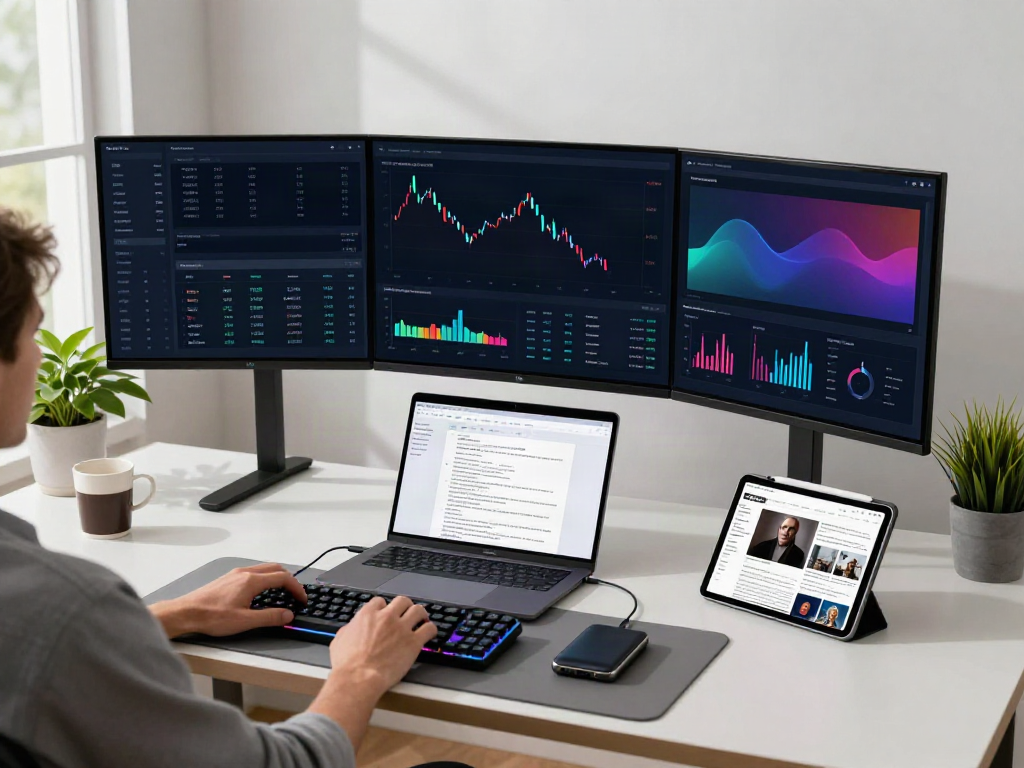
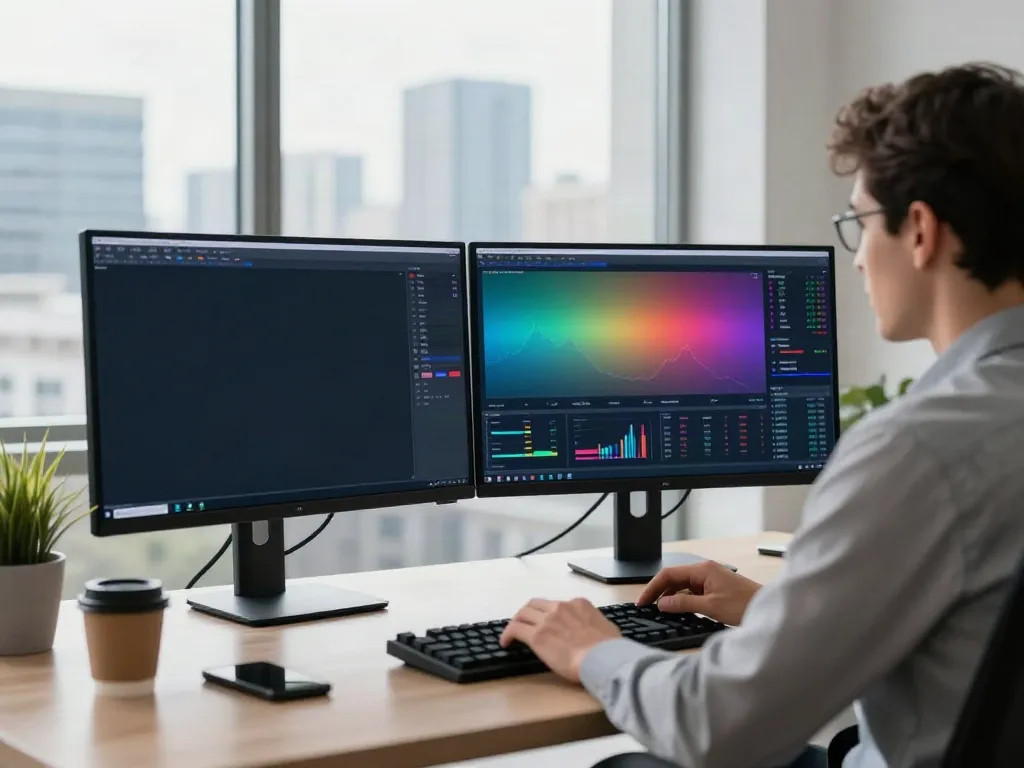
For a seamless trading experience on TradingView, having the right hardware and software configurations is essential. A high-resolution monitor can significantly enhance chart visibility, while a reliable internet connection ensures real-time data streaming. Moreover, using TradingView's browser-based platform negates the need for extensive software installations, allowing quick access to all features on any device.
Customizing Dashboards for Personalized Trading
Customization is a key feature of TradingView. Users can personalize their dashboards by rearranging widgets, saving layouts, and creating custom watchlists. This level of customization allows traders to tailor their trading environment to fit their specific needs and strategies, enhancing overall trading efficiency.
Integrating TradingView with Other Tools and Platforms
TradingView offers integrations with various trading platforms and brokers, allowing users to execute trades directly from their charts. This convenience eliminates the need to switch between applications, creating a smoother trading experience. Additionally, by utilizing APIs, advanced users can further extend TradingView's capabilities to fit their trading strategies.
Executing Effective Trading Strategies with TradingView
Using Technical Indicators for Successful Trades
Technical indicators are invaluable tools for traders, and TradingView provides a wide range of indicators to choose from. From moving averages to oscillators like the Relative Strength Index (RSI), traders can layer indicators to analyze price movements better. For example, combining the RSI with moving averages can help traders identify potential market reversals.
Implementing Alerts and Notifications for Market Movements
Setting alerts is one of the standout features of TradingView. Traders can create alerts based on price thresholds or indicator conditions, enabling them to react instantly to market movements. This ensures that no potential trading opportunity goes unnoticed, allowing for timely decision-making even when users are away from their screens.
Backtesting Strategies on TradingView: A Step-by-Step Guide
Backtesting is a critical process in validating trading strategies. TradingView offers a built-in Strategy Tester that allows traders to test their strategies against historical data. Here's a simple step-by-step guide to backtesting:
- Select a trading strategy or create your own using Pine Script.
- Navigate to the Strategy Tester panel.
- Input the desired parameters and timeframe for your backtest.
- Review the results and adjust your strategy based on the performance metrics.
Community and Resources: Leveraging TradingView's Social Features
Participating in Community Discussions and Ideas
TradingView's community is one of its most valuable features. Users can engage in discussions, share insights, and collaborate with others on trading ideas. By participating in community discussions, traders can learn from different perspectives and enhance their trading knowledge.
Utilizing Public Scripts and Custom Indicators
TradingView allows users to share and use custom scripts via Pine Script. This opens the door for traders to access a vast library of public scripts created by other users. By utilizing these scripts, traders can enhance their analyses and strategies, taking advantage of the collective wisdom of the TradingView community.
Accessing Educational Resources and Tutorials
For those new to trading or looking to improve their skills, TradingView offers a plethora of resources, including tutorials, webinars, and articles. These educational materials are designed to help users understand the complexities of trading and navigate the TradingView platform effectively.
Future Trends in Trading Technology and TradingView in 2026
Emerging Technologies Shaping Market Analysis
The financial markets are continuously evolving, and so are the technologies that analyze them. Artificial intelligence, machine learning, and blockchain technologies are becoming increasingly integral in trading. TradingView is expected to incorporate these technologies to enhance analytical capabilities, offering traders AI-driven insights and automated trading features.
How TradingView is Adapting to Market Changes
As market dynamics shift, TradingView remains committed to evolving its platform. This includes adapting interface designs, enhancing features based on user feedback, and expanding market data coverage. By staying ahead of trends, TradingView positions itself as a leader in trading technology.
Predictions for TradingView's Role in Future Trading
Looking ahead, TradingView is poised to become even more central to traders’ workflows. With continued advances in technology, the platform may further enhance its capabilities, providing deeper analytical tools, improved user experience, and stronger community engagement.
What Are the Common Challenges Users Face?
While TradingView offers a robust platform, users may encounter challenges such as a steep learning curve for new features, data overload, or difficulty in integrating third-party tools. Addressing these challenges requires patience and continuous learning through community resources and educational material.
What Innovative Features Are Expected in TradingView's Future?
As TradingView continues to innovate, users can expect features such as enhanced AI integration for better predictive analytics, more sophisticated backtesting capabilities, and further improvements in social trading tools. These advancements aim to provide a comprehensive platform that meets the evolving needs of the trading community.